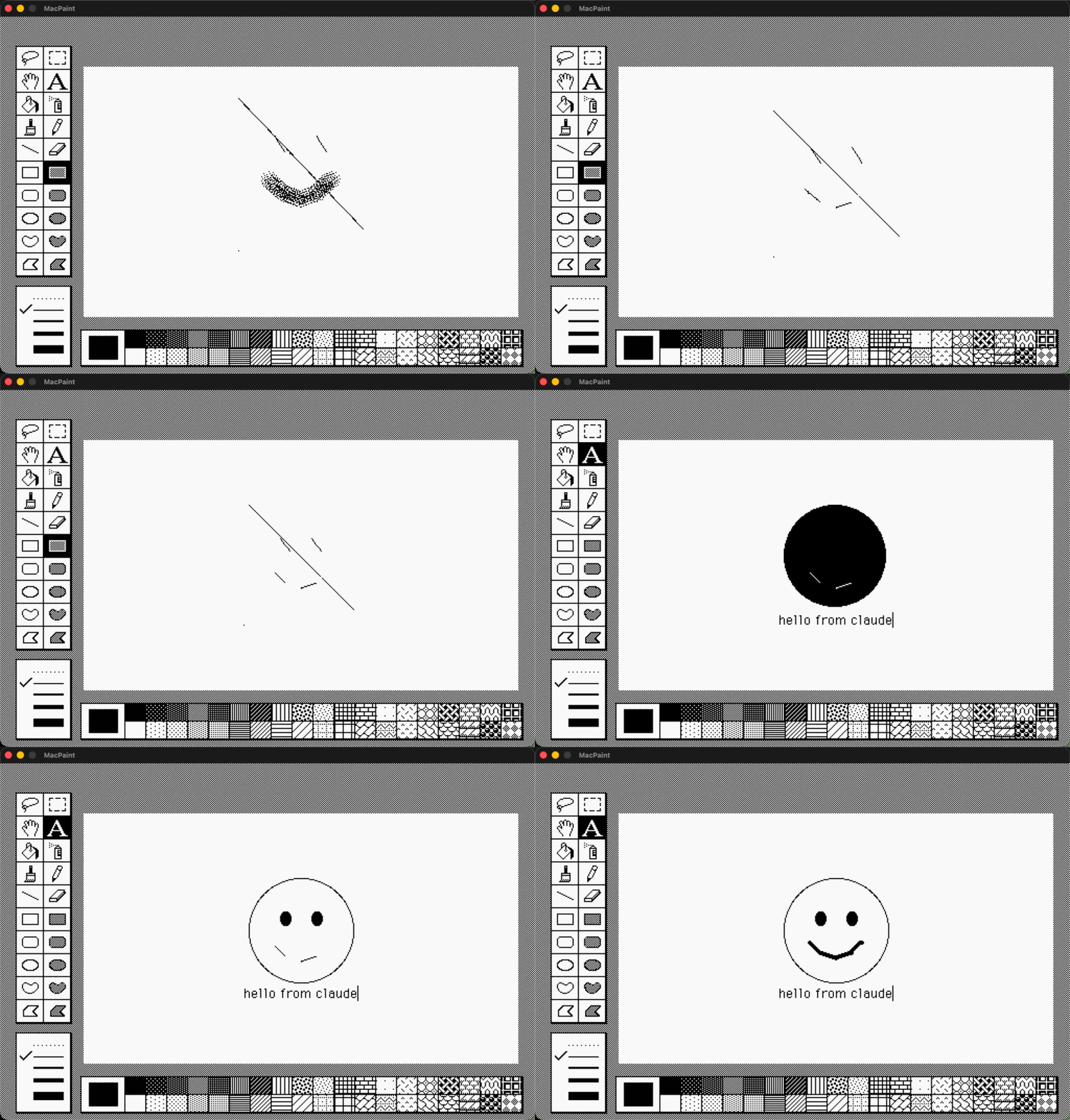
Porting MacPaint to Swift with Claude Code
· Matt Baker
The Computer History Museum released MacPaint's original source code years ago — a mix of Pascal and 68k assembly. I've watched Claude Code ship features at big tech companies for months now. Could it tackle porting an entire application from 1984?
So over a few weekends, I was able to do it, and more. I didn't write a single line of code. I didn't read a single line of what was written. I didn't want to.
The main prompt
I began by discussing my idea with Google Gemini — something I do regularly at work. Assembly to convert, ROM calls to handle, file I/O and printing to address. What else? Gemini came back with the full scope: QuickDraw reimplementation, event model translation, resource fork handling. I pasted that plan into Claude Code, pointed the "superpowers" planning mode at it, and told it to start.
Twenty-five minutes
After a few clarifying questions — should it reimplement QuickDraw or build drawing primitives from scratch, which language to target — Claude Code spun up subagents and went to work. I skimmed its implementation plan. The task breakdown looked reasonable. Twenty-five minutes later, it told me to build and run.
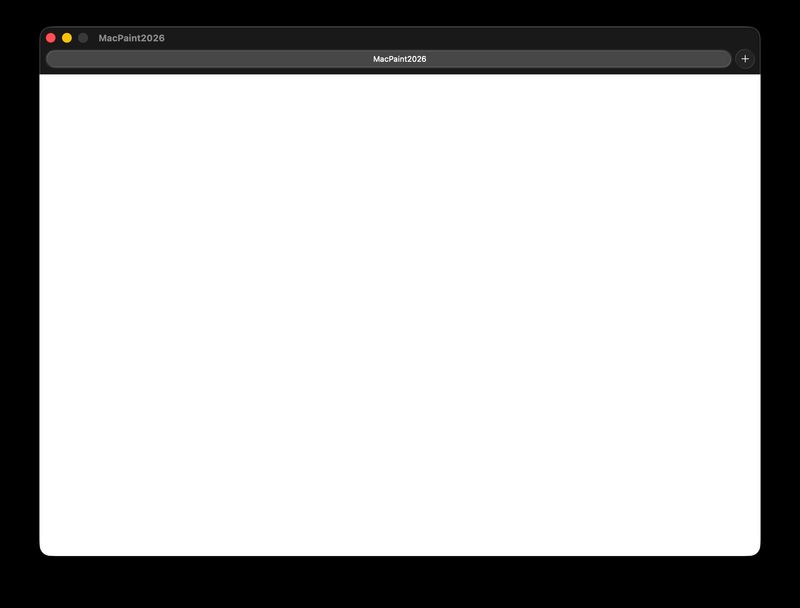
A blank screen. (sigh)
This isn't going to work. But I had a hundred bucks of Claude Code capacity left in the month. Might as well see how far it gets.
First pixels
I told Claude Code the screen was blank. It started debugging — working through the rendering pipeline, checking initialization order, examining the coordinate system. I didn't suggest where to look. I described what I saw: a white rectangle.
Three minutes later, I rebuilt and re-ran.
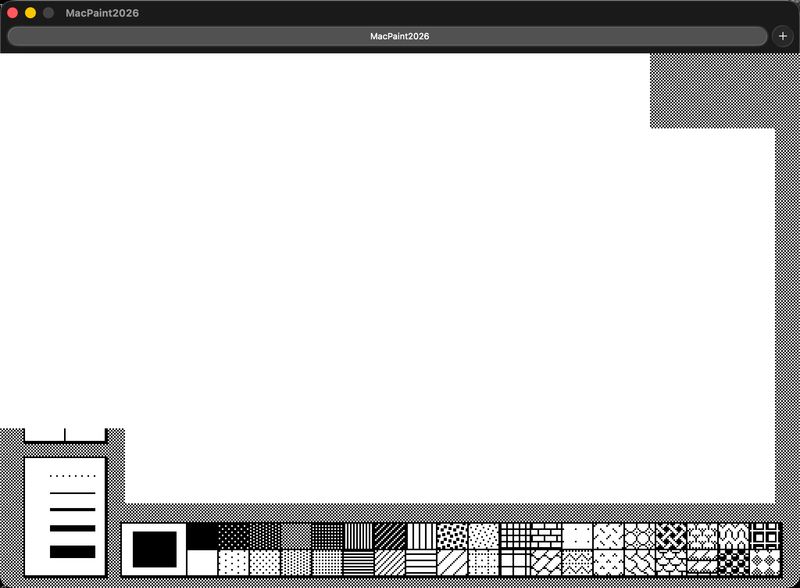
The desktop pattern appeared. Fill patterns rendered in their little squares, sitting exactly where they belong. No tool icons or menus yet, but the layout was right. The proportions were right. Half-formed, but unmistakable.
Claude Code wrote its own MFS parser
Claude Code explained why: those icons live in the resource fork of the original MacPaint binary, not in the source code. It then gave me two options: find the original resources, or recreate them from an emulator screenshot.
I said "find them" and went to make coffee.
When I came back, Claude Code had gone online, found a MacPaint disk image, and tried to read it. The image was formatted with MFS — Macintosh File System, Apple's original 1984 filesystem that predates HFS. Nothing modern reads MFS.
So Claude Code wrote an MFS parser from scratch. Figured out the directory format. Decoded the resource fork's internal map. Extracted every icon and dropped them into the project.
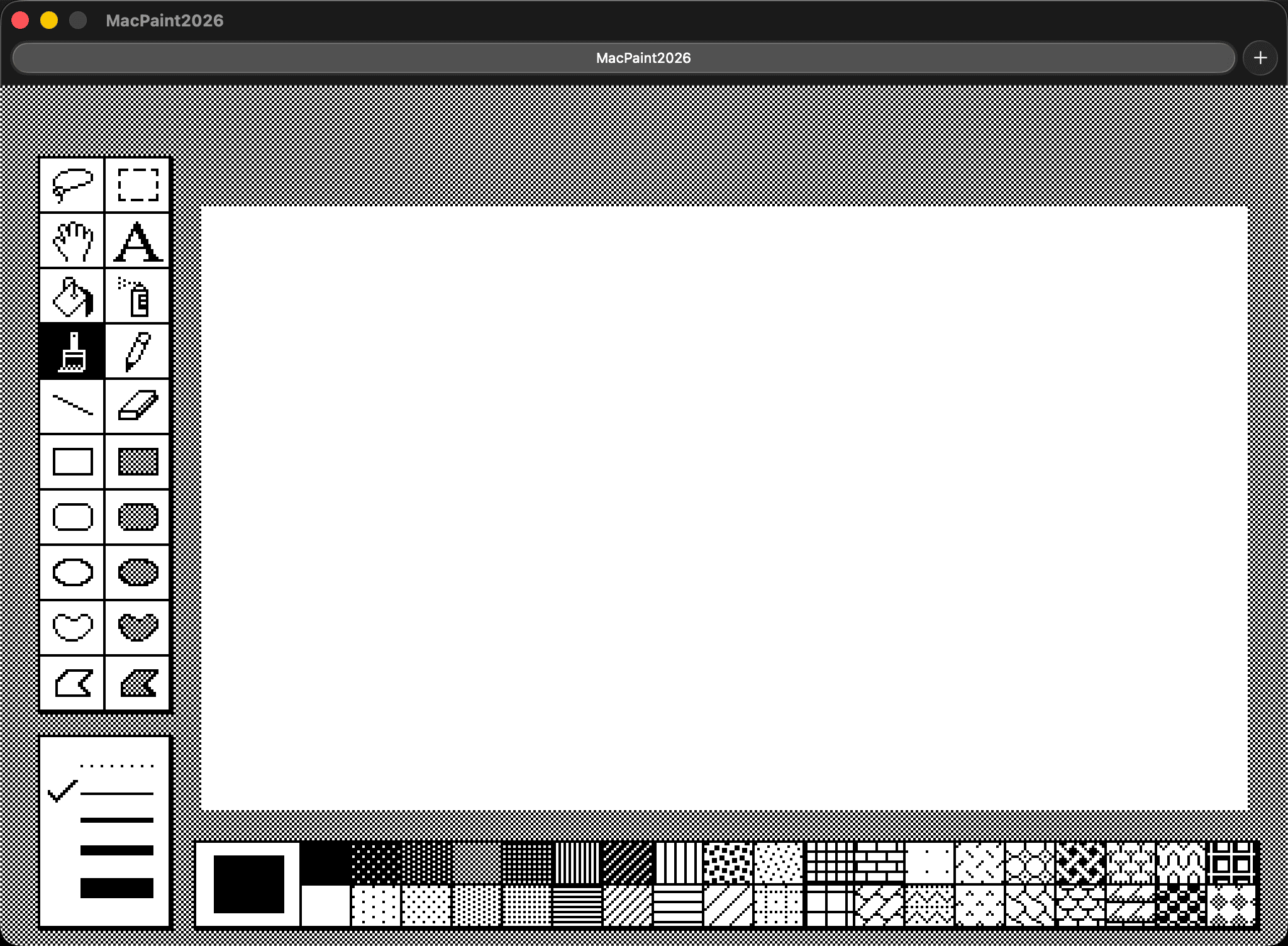
I told it to find the icons. It found a disk image it couldn't read, wrote a parser for a 42-year-old filesystem, and extracted what it needed. No questions asked. That's the moment I stopped wondering how far this would go and decided to finish it.
Every menu, every tool, every pixel
The working relationship with Claude Code settled into a loop. I described what was wrong. "This menu doesn't track right." "The cursor is split in half." "The fill bleeds through." Fixed. Every time.
Window chrome came first — title bar with horizontal stripes, close box in the upper left, document title centered in Chicago 12pt.
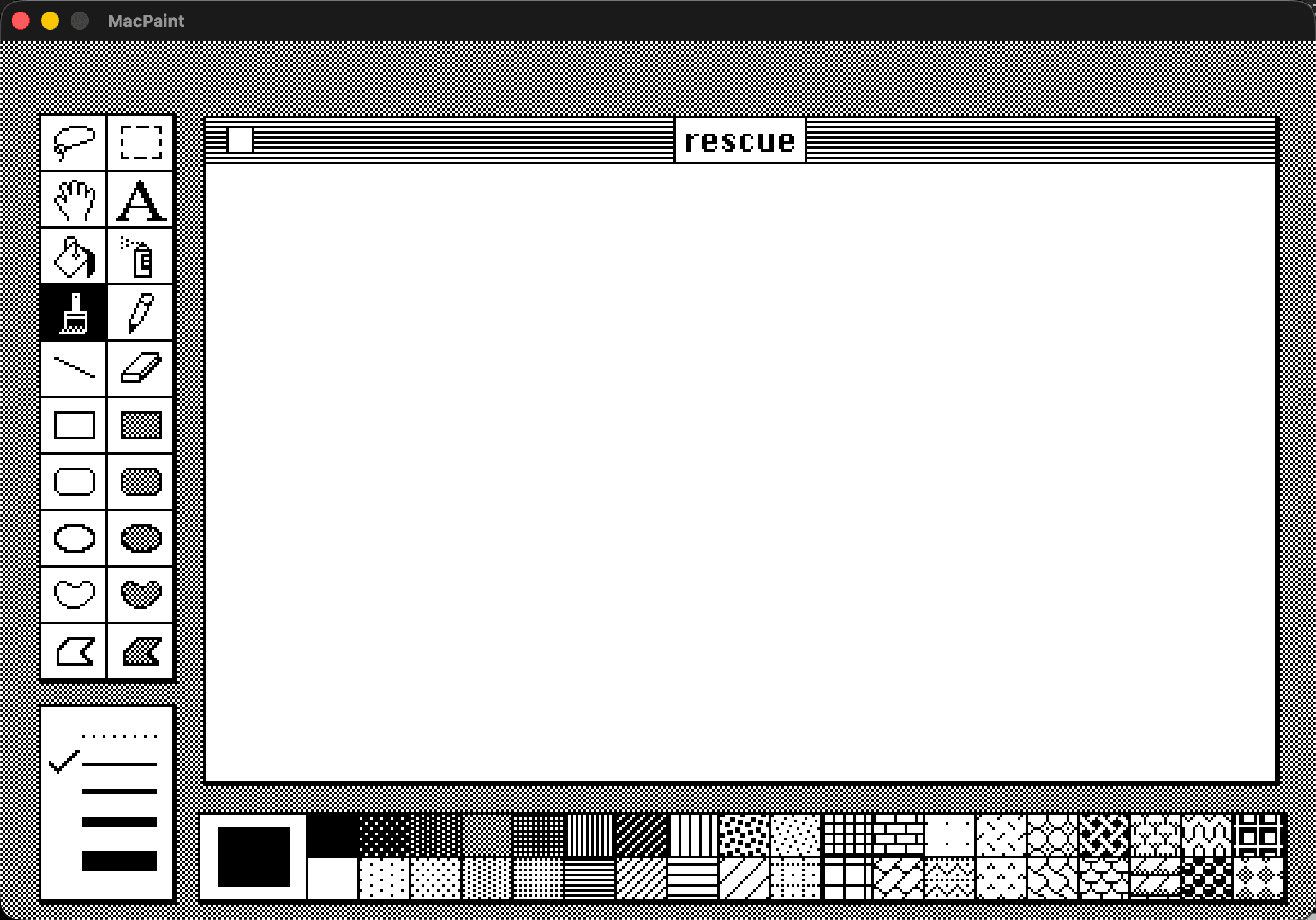
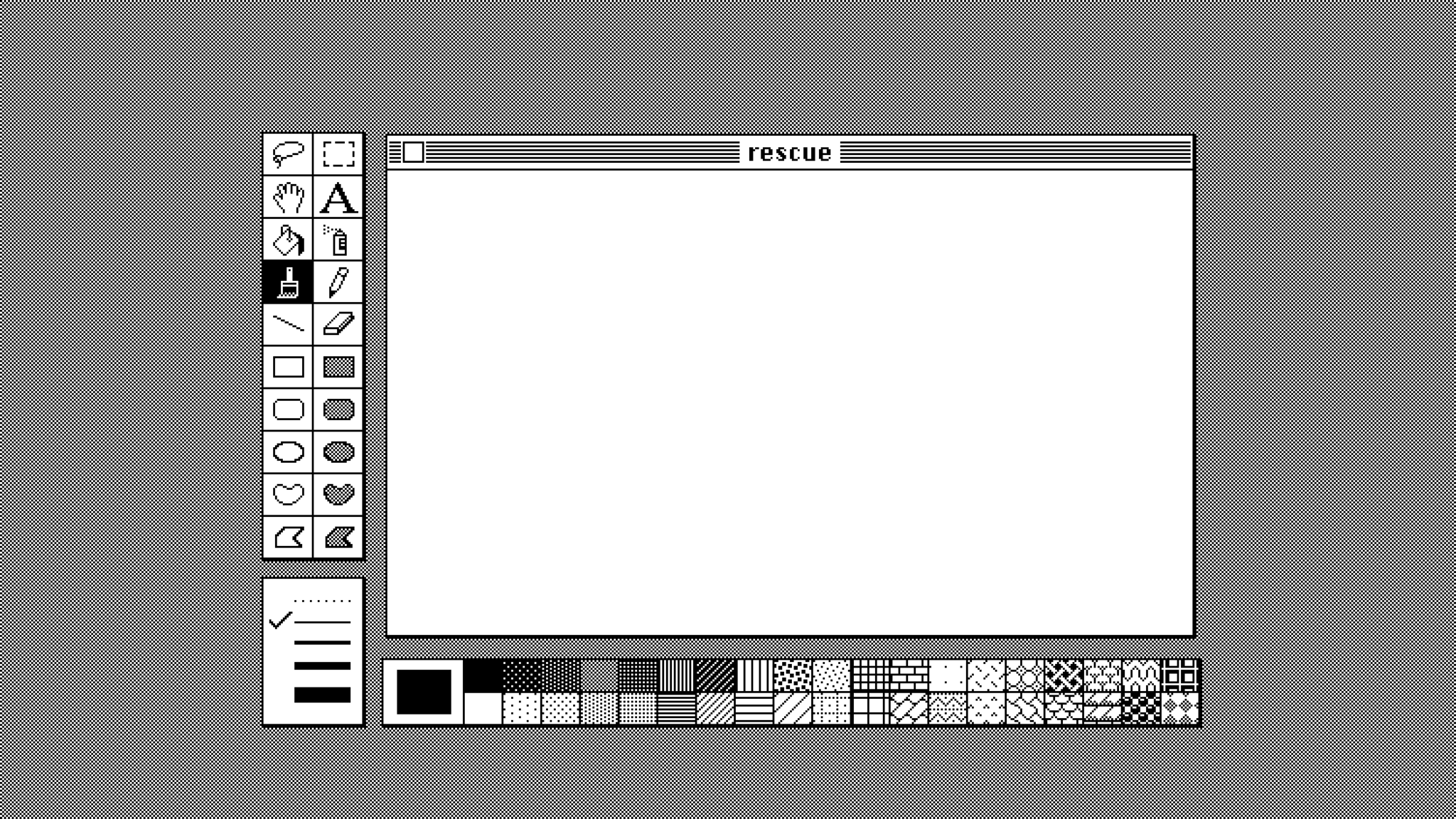
Then I added fullscreen mode. I tolde Claude to fill space with checkerboard.
Native macOS menus worked but looked wrong — the empty space at the top broke the illusion. So Claude Code rendered the menu bar as a bitmap inside the 512x342 framebuffer, matching the original pixel-for-pixel.
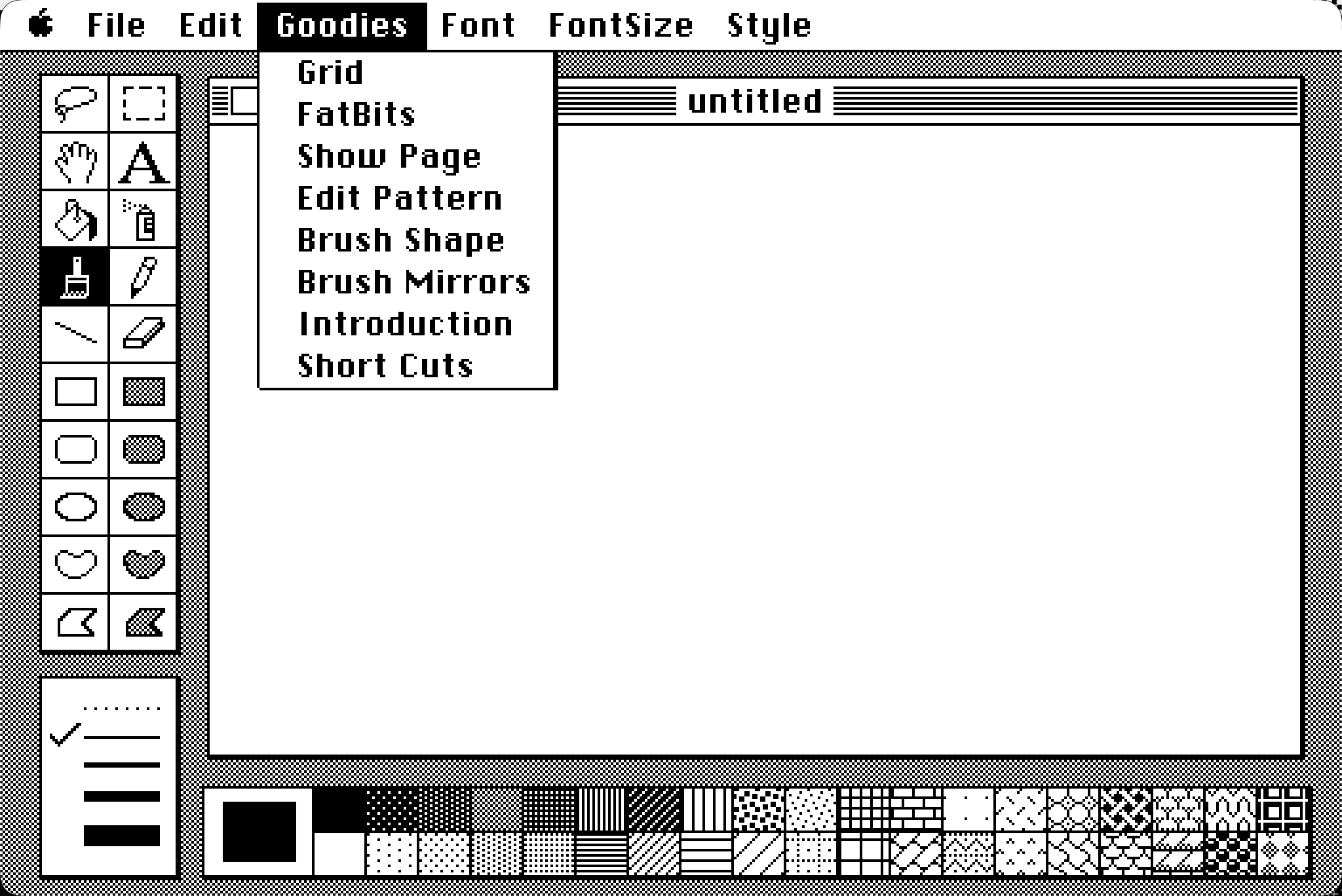
Every drawing tool works - fill patterns, fonts, etc. The lasso took some time — Atkinson's original implementation is 68000 assembly doing bit manipulation that had to survive translation to C on a completely different processor architecture. FatBits,
Every menu item works except Print Catalog, which read a 400K floppy to generate thumbnail pages. I left it there for posterity.
Beyond the original
I updated copy and paste to work with modern Macs. Paste a photo from Safari and MacPaint dithers it to black and white automatically. Copy a selection and paste it into Notes or Messages as a standard image.
The import dialog gives more control: a navigator pane shows the full picture, a detail pane shows dithered pixels at 1:1 scale. Three dithering modes — Atkinson, ordered, and threshold. Drag and zoom before committing.
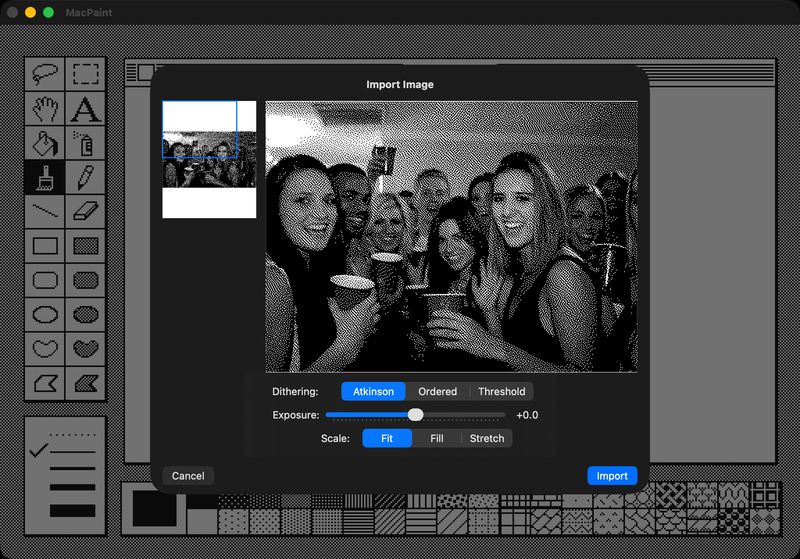
Printing routes through macOS natively — 72 DPI, black and white, to whatever printer is available.
MacPaint on iPad
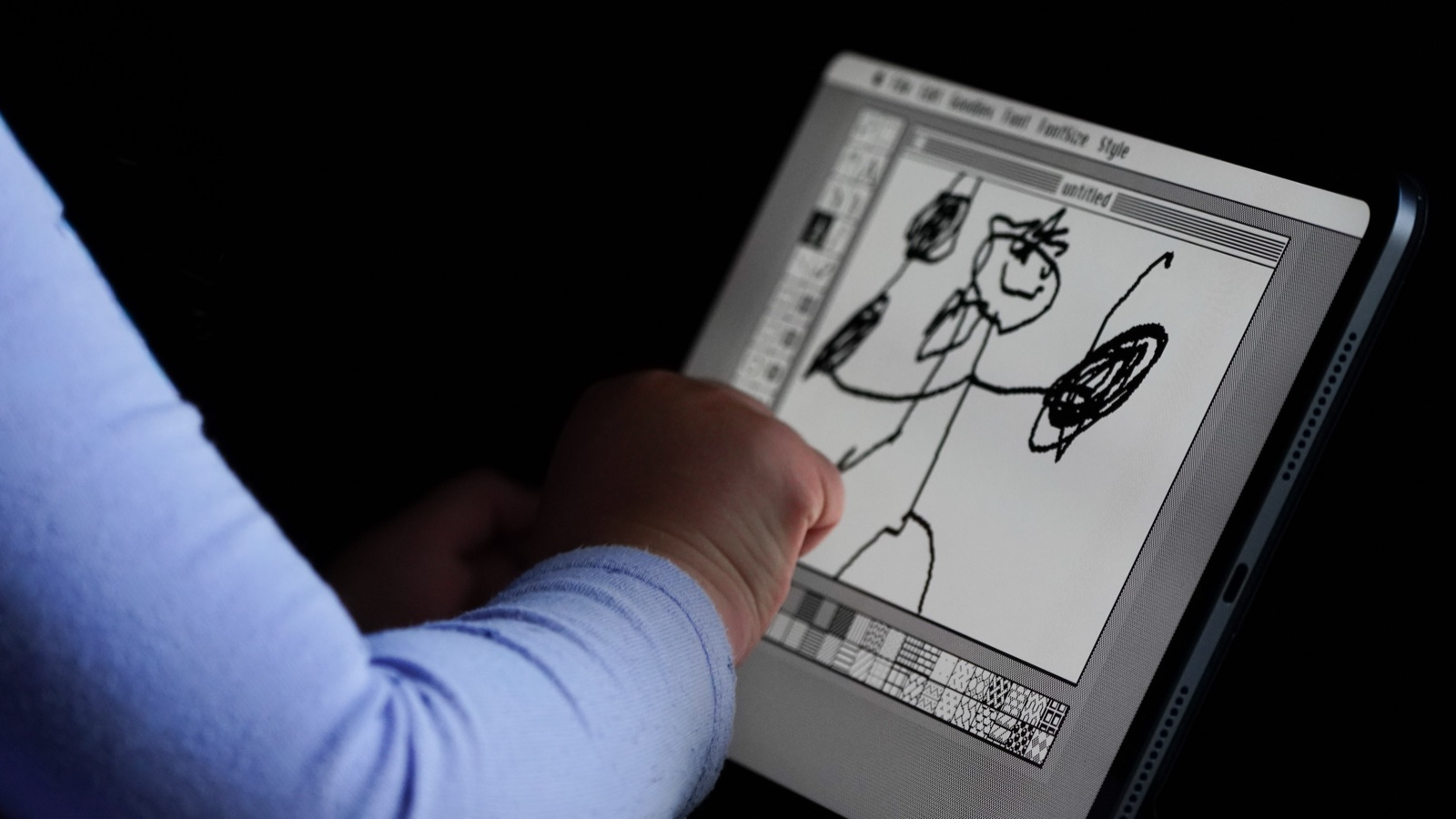
The iPad port took thirty minutes to first run. The C core compiled to ARM unchanged. SwiftUI handled the rest.
After that I added the older style menus. MacPaint's original interaction — press, hold, drag through items, release to select — doesn't translate to touch. Clause handled it. Do I know how? Should I care? As a life long software engineer and Apple enthusiest, I feel like I should. But I was just happy it made a stable, usable version of the first app I loved.